





Ensuring Device Compatibility for Seamless Streaming with Compatible Streaming Devices
Streaming music should be simple. I want to tune in and enjoy my favorite songs without fuss. But sometimes, the device I use just doesn’t play nice with the streaming service. That’s why making sure your device is compatible is key to a smooth, nonstop music experience. Let me walk you through what I’ve learned about compatible streaming devices and how to get the best out of them.
Why Compatible Streaming Devices Matter
Not all devices work the same way with streaming services. Some might not support the app or the streaming format. Others might have outdated software that causes buffering or crashes. When your device is compatible, you get:
Quick access to your favorite stations
Clear sound without interruptions
Easy controls and navigation
Reliable connection every time
For example, I once tried to listen to an online radio station on an old smart TV. The app wouldn’t load properly, and the sound kept cutting out. Switching to a newer streaming stick fixed that instantly. That’s why knowing which devices work best is a game changer.
Types of Compatible Streaming Devices
There are many devices out there that support streaming. Here are some popular ones that I recommend for a hassle-free music experience:
Smart TVs
Most modern smart TVs come with built-in apps for streaming. They usually support popular services and formats. Just make sure your TV’s software is up to date. If you have an older model, check if you can install the streaming app you want.
Streaming Sticks and Boxes
Devices like Roku, Amazon Fire Stick, and Apple TV are great for streaming. They plug into your TV’s HDMI port and offer a wide range of apps. These devices often get regular updates, so compatibility stays fresh.
Smartphones and Tablets
These are the easiest to use. Almost all streaming services have apps for iOS and Android. Plus, you can take your music anywhere. Just keep your device updated and have a good internet connection.
Computers and Laptops
You can stream music directly from your browser or through apps. Make sure your browser supports the streaming format. Chrome, Firefox, and Edge usually work well.
Smart Speakers
Devices like Amazon Echo or Google Nest let you stream music with voice commands. They connect to your streaming service accounts and play music hands-free.

How to Check If Your Device Is Compatible
It’s easy to find out if your device will work with your favorite streaming service. Here’s what I do:
Visit the streaming service’s website - They usually list supported devices.
Check app stores - See if the app is available for your device.
Look for software updates - Sometimes compatibility improves with updates.
Test the app - Download and try it out. If it runs smoothly, you’re good.
Read user reviews - Other users often share compatibility tips.
For example, Radience Radio wants to be the go-to online station for music lovers, making it super easy for anyone to tune in from any device, anytime. They provide a list of compatible streaming devices on their site to help listeners get started quickly.
Tips for Better Streaming on Any Device
Even with a compatible device, streaming can hit snags. Here are some simple tips I use to keep the music flowing:
Keep your device updated - Software updates fix bugs and improve performance.
Use a strong internet connection - Wi-Fi or wired connections work best.
Close other apps - Free up memory and bandwidth by shutting down unused apps.
Restart your device - Sometimes a quick reboot clears glitches.
Adjust streaming quality - Lower quality can help if your connection is slow.
If you’re using a smart speaker, make sure it’s placed where it can get a good Wi-Fi signal. For TVs and streaming sticks, avoid using too many devices on the same network at once.
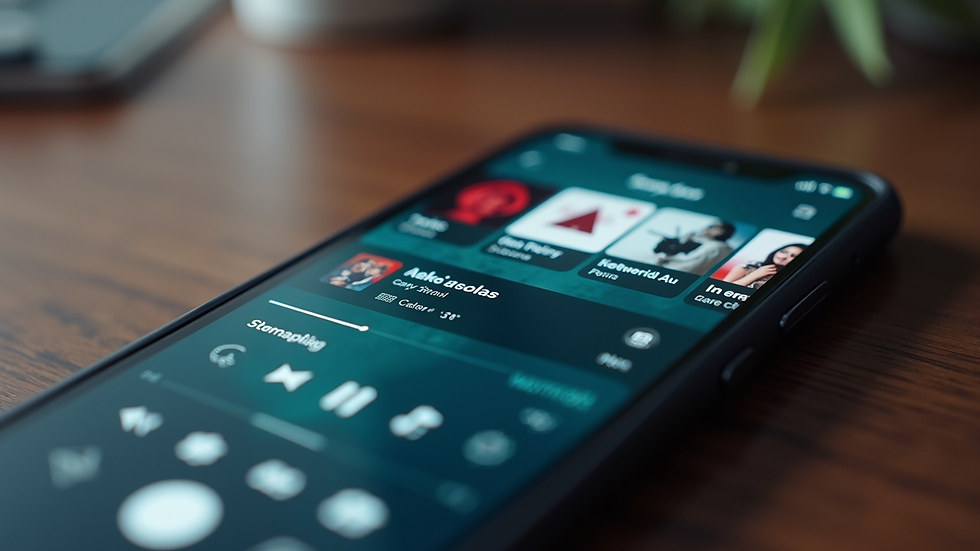
Making the Most of Your Streaming Experience
Once you have a compatible device, you can enjoy music anytime. Here are some ways I make the most of it:
Create playlists - Save your favorite songs and stations for quick access.
Use voice commands - If your device supports it, control music hands-free.
Explore new music - Streaming services often suggest songs based on your taste.
Share with friends - Some apps let you share what you’re listening to.
Set up multi-room audio - Play music on several devices at once for a party vibe.
By choosing the right device and following these tips, you get a seamless streaming experience that fits your lifestyle.
Ready to Stream Without Limits?
Getting the right compatible streaming devices is the first step to enjoying nonstop music. Whether you use a smart TV, a streaming stick, or your phone, make sure it supports your favorite streaming service. Keep your device updated and your connection strong. That way, you can tune in anytime and anywhere without hassle.
If you want to explore more about streaming and find the best devices, check out Radience Radio. They make it easy to listen to great music 24/7 on any device you have.
Start streaming today and never miss a beat!


Comments